Document Handling: Adding New Documents
Contact our Solution Center for more details.
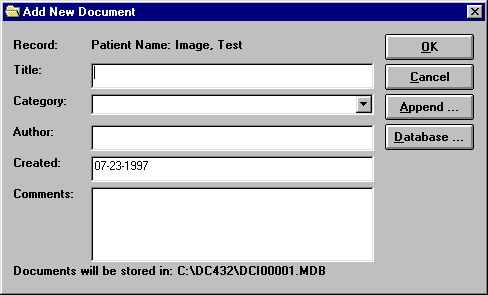
Clicking on the arrow in the category field will drop down a list of all categories from the category list, including any categories specific to the particular client. The date will be defaulted to today's date though you can change it to any appropriate date. Keep in mind that comments can be used to assist you in identifying documents as you try to locate them sometime in the future and differentiate them from other documents within a record or file.