The Document Console Interface
Contact our Solution Center for more details.
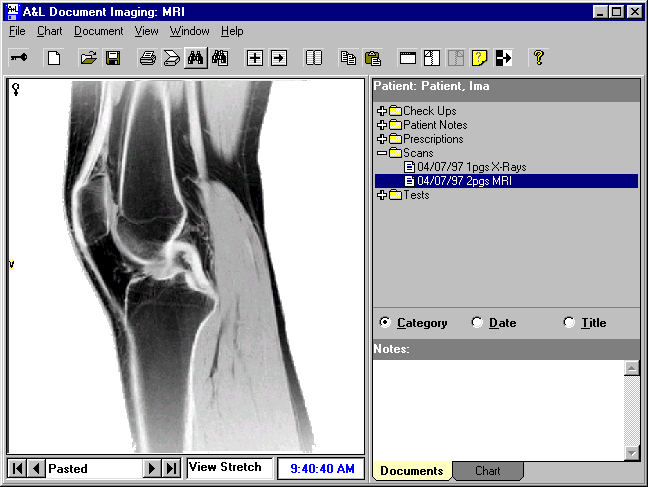
The Chart tab displays information for a previously entered client, or a blank chart to be filled in for a new client.
The Documents tab displays an outline window that contains a list of client records and documents. The records, akin to file folders, are listed and sorted either by category, date or title. The outline listing identifies the category, title, document date and number of pages.
Document
Console Introduction | Document
Console - In Depth | Document
Handling
The Query Function | The Document Console Interface | Scanning In Document Console
The Query Function | The Document Console Interface | Scanning In Document Console