Contact our Solution Center for more details.
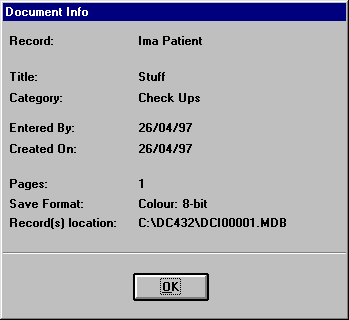
If a document has been selected or highlighted (yet not necessarily viewed), the document information will be shown in a read-only pop-up window, displaying all the information entered as part of the document's description. Simply click the mouse on OK to close the Document Info window.
Document
Console Introduction | Document
Console - In Depth | Document
Handling
The Query Function | The Document Console Interface | Scanning In Document Console
The Query Function | The Document Console Interface | Scanning In Document Console